

Delete your TOTAL COACH account
Understand the process and implications of permanently deleting your Total Coach account. This action is irreversible, so please review the information carefully before proceeding.
Why delete your account?
Users may choose to delete their Total Coach account for various reasons. Perhaps you no longer use the app, have completed your fitness coaching journey with TOTAL BODY DXB, or simply wish to remove your personal information and workout data from our systems. You are not required to provide a specific reason for your account deletion request.
How to delete your Total Coach account
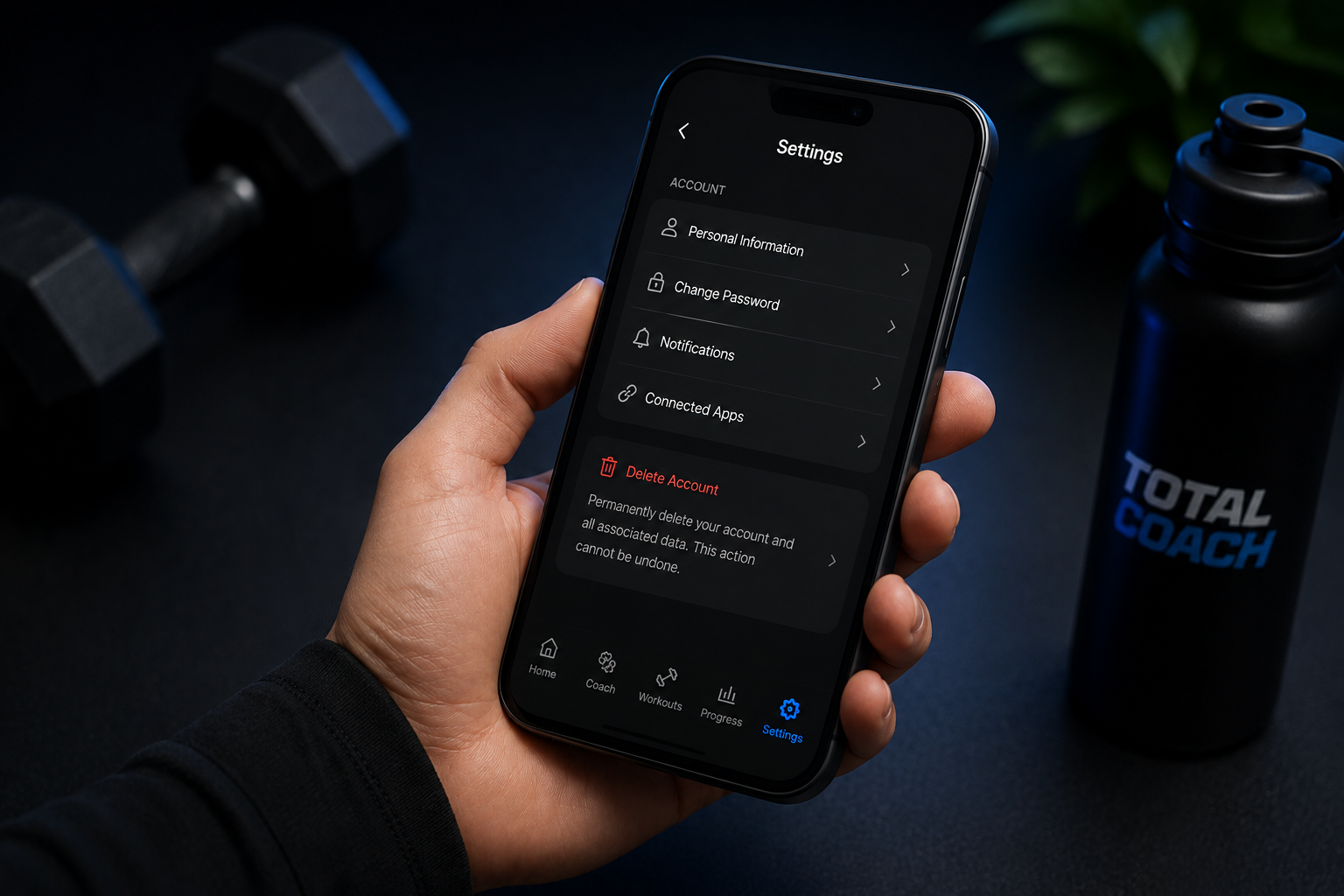
You can permanently delete your account directly from within the Total Coach app.
- Open Total Coach and sign in.
- Open Settings.
- Scroll down to the Account section.
- Select Delete Account.
- Follow the on-screen instructions to confirm the deletion.
Your account and associated data will be permanently deleted. This action cannot be undone.

Can't access your Total Coach account?
If you are unable to access the Total Coach app, you can contact us to request account deletion. We may need to verify that you are the account owner before processing the request.